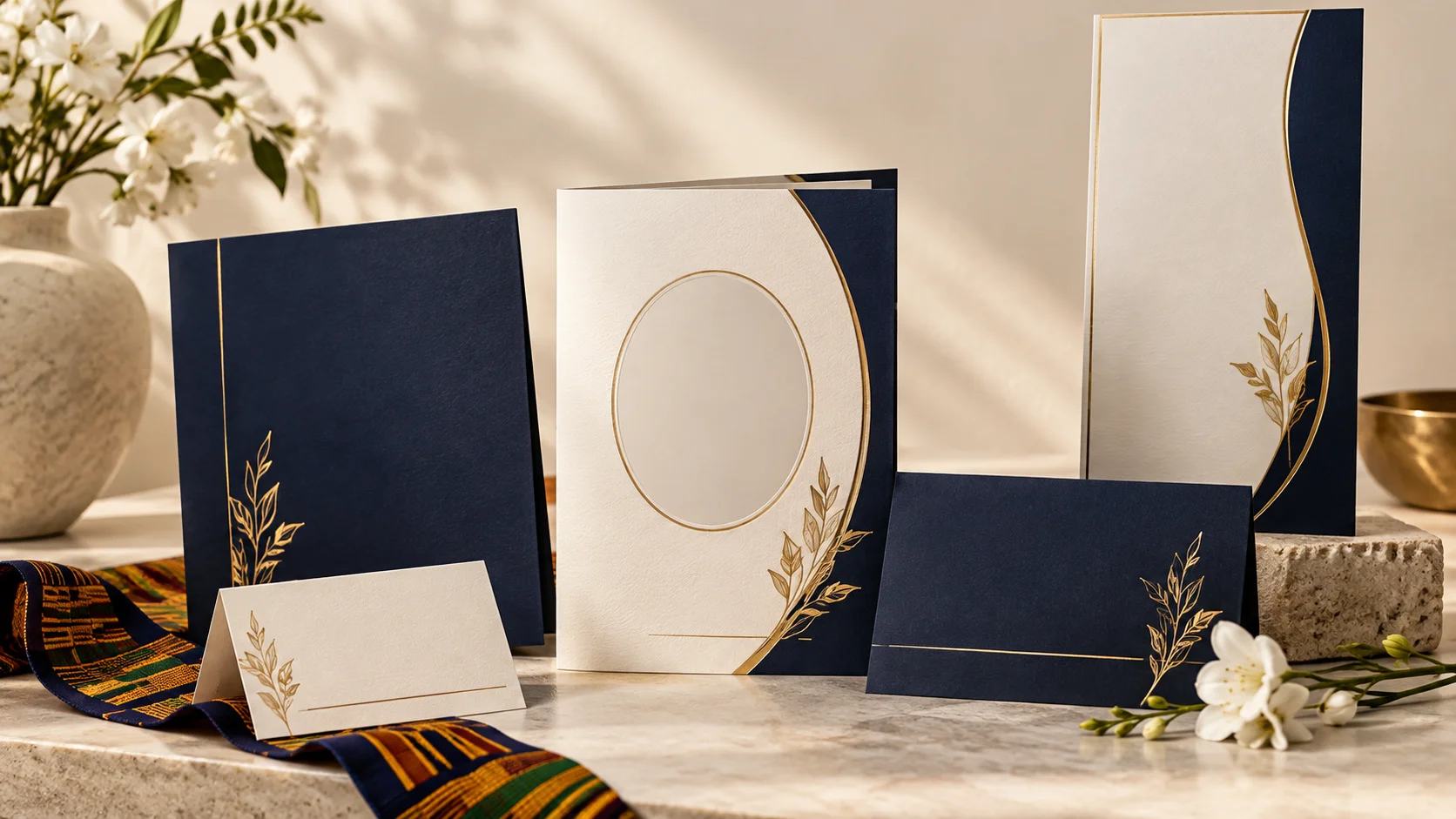
FuneralPress Complete User Guide — All Features Explained
FuneralPress is a complete funeral design and planning platform built for families in Ghana and across Africa. This guide walks you through every feature — from designing and printing funeral brochures to creating online memorials, managing budgets, and tracking anniversaries. Whether you are planning a funeral for the first time or you are a professional organiser, this guide covers everything you need to know.
Getting Started
Visit funeralpress.org and sign in with your Google account. Once signed in, you can access all features from the homepage, the bottom navigation bar on mobile, or the navigation menu on desktop. Your designs are saved to your account automatically so you can access them from any device.
- Sign in with Google — One tap sign-in, no passwords to remember.
- Install the app — On mobile, tap "Add to Home Screen" when prompted. FuneralPress works as a native app on your phone.
- My Designs — All your saved brochures, posters, booklets, and other designs are listed in one place.
- Dark/Light Mode — Toggle the theme with the sun/moon icon in the top-right corner of any editor.
1. Funeral Brochure Editor
The brochure editor is the flagship feature of FuneralPress. It lets you create a complete funeral programme brochure with a professional layout, ready for the print shop.
- Choose from over 15 professionally designed templates — classic, modern, Kente-inspired, and more.
- 11 form sections: Cover, Basic Info, Scripture, Officials, Order of Service, Biography, Tributes, Photo Gallery, Acknowledgements, Back Cover, and Print Materials.
- Progress bar tracks how many sections you have completed.
- Live PDF preview on desktop — see your brochure update in real time as you type.
- Mobile preview — tap the floating "Preview" button to see a full-screen PDF preview.
- Auto-save — your work is saved automatically every 30 seconds. A "Saved" indicator appears in the toolbar.
- Undo/Redo — press Ctrl+Z to undo and Ctrl+Shift+Z to redo. Also available as buttons in the toolbar.
- Version history — take snapshots of your design and restore previous versions at any time.
- Import/Export — save your design as a JSON file to share with others, or import a file to continue editing.
- AI Tribute Writer — get help writing a moving tribute with artificial intelligence.
- Export as PDF — download a high-resolution, print-ready PDF file.
- Order Prints — place a print order directly from the editor and have it delivered.
2. Funeral Poster Editor
Create large-format funeral announcement posters for public display. The poster editor includes all the same professional features as the brochure editor.
- 6 form sections: Basic Info, Announcement, Funeral Arrangements, Immediate Family, Extended Family, Footer & Theme.
- Auto-save, undo/redo, version history, and live PDF preview.
- Backup reminder after 5 or more unsaved edits.
- Export as PDF and order prints.
3. Invitation Editor
Design funeral invitation cards to send to family, friends, and colleagues. Invitations include event details, RSVP information, and a dignified layout.
- 5 form sections: Basic Info, Family Announcement, Events & Arrangements, RSVP & Details, Theme.
- Same auto-save, undo/redo, and version history as the other editors.
- Export as PDF for digital sharing or print.
4. Booklet Editor
Create multi-page funeral programme booklets with the complete order of service, hymn lyrics, Scripture readings, biography, and tributes.
- 5 form sections: Cover Info, Order of Service, Hymns, Scripture, Back Cover & Theme.
- Ideal for detailed Methodist, Catholic, and Presbyterian funeral programmes.
- Auto-save, undo/redo, version history, and live PDF preview.
- Export as PDF for saddle-stitched printing.
5. Banner Editor
Design large vinyl or flex banners for the funeral venue. Banners are commonly displayed at the family home, the church, and the burial site.
6. Thank-You Card Editor
After the funeral, create thank-you cards to express gratitude to everyone who supported the family. The editor makes it simple to design and export cards ready for printing or digital sharing.
7. Digital Guest Book (1 Credit)
Create a digital guest book where mourners can leave messages of condolence from anywhere in the world. Perfect for family and friends who cannot attend in person.
- Enter the deceased's name, upload a photo, and add an optional cover message.
- Upload a photo directly from your phone or paste a URL.
- Your form is auto-saved as a draft — if you navigate away, your data is restored when you return.
- Share the unique guest book link via WhatsApp, SMS, or social media.
- Each guest signs with their name and a message — entries are permanently saved.
- Costs 1 credit to create. Unlimited guest book entries.
8. Online Obituary Page (1 Credit)
Publish a beautiful obituary announcement page online. It serves as a central hub for sharing all funeral details — instead of sending individual messages, share one link.
- Add the full biography, dates, funeral time, venue, and family members.
- Upload the deceased's photo directly or paste a URL.
- Progress indicator tracks completion across 5 sections: Personal Info, Dates, Biography, Funeral Details, Family.
- Automatic countdown timer shows days until the funeral service.
- Draft auto-saved — your form is never lost if you close the browser.
- Share the link via WhatsApp or any platform.
- Costs 1 credit to publish.
9. Memorial Photo Gallery (1 Credit)
Create a beautiful online photo gallery to celebrate the life of your loved one. Share it with family and friends so everyone can view and remember together.
- Create a gallery with a title and the deceased's name (1 credit).
- Upload multiple photos at once — a progress bar shows upload status.
- Add captions to each photo — captions auto-save after 2 seconds.
- Drag to reorder photos in the gallery.
- Bulk select and delete multiple photos at once.
- Press Ctrl+S to save all changes.
- Share the gallery link for anyone to view.
- Masonry layout with lightbox viewing on the public gallery page.
- Draft saved for the creation form — your data persists if you navigate away.
10. Aseda Cloth Label Designer (Free)
Memorial cloth (aseda) is a cherished Ghanaian funeral tradition. The Aseda label designer lets you create custom cloth labels with the deceased's details, ready for the fabric printer.
- 4 beautiful templates: Kente Pattern, Classic, Modern Clean, Royal Memorial.
- Live preview updates as you type — see exactly how the label will look.
- Edit/Preview tabs on mobile for a smooth experience.
- Upload a photo or choose a circle, rounded, or square crop shape.
- Auto-save every 30 seconds — your work is never lost.
- Undo/Redo with Ctrl+Z and Ctrl+Shift+Z keyboard shortcuts.
- Press Ctrl+S to save manually.
- Backup reminder appears after 5 unsaved edits.
- Save multiple designs — load, edit, and manage your saved labels.
- Download as a high-quality PDF (6x4 inch label size).
- Toast notifications confirm every action: save, load, download.
11. Funeral Hymn Library (Free)
Browse over 25 popular funeral hymns in English and Twi with full lyrics. Use the library to find and copy hymn lyrics for your funeral programme.
- Search by title or lyrics.
- Filter by language (English, Twi) and category (Processional, Worship, Comfort, Committal, Recessional).
- Expand any hymn to view full lyrics.
- Copy lyrics with one click to paste into any editor.
- No sign-in required — completely free.
12. Venue Directory (Free)
Find funeral venues across Ghana — churches, mortuaries, funeral grounds, and community centres in Accra, Kumasi, Takoradi, Cape Coast, Tamale, and Tema.
- Over 30 venues listed with addresses, phone numbers, and descriptions.
- Search by name or location.
- Filter by city and venue type.
- Grouped by city for easy browsing.
- No sign-in required — completely free.
13. Memorial Anniversary Tracker (Free)
Never forget a loved one's memorial anniversary. Track important dates, see countdown timers, and get reminders.
- Add anniversaries with the deceased's name, date of passing, and relationship.
- Countdown timer shows days until each anniversary.
- Urgency colours: green for today, red for within 7 days, gold for within 30 days.
- Export dates to your phone calendar as .ics files.
- Enable browser notifications to get reminders in advance.
- Data saved locally on your device — no account needed.
14. Budget Planner (Free)
Plan and track funeral expenses with the budget planner. List all expected costs — casket, venue hire, printing, catering, transport — and keep everything organised.
15. Collage Maker
Create photo collages for funeral displays, social media tributes, or inclusion in printed brochures. Upload multiple photos and arrange them in beautiful layouts.
16. QR Code Cards
Generate QR code cards that link to the deceased's online memorial page. Guests can scan the code with their phone to view the memorial, guest book, or photo gallery.
17. Wreath Cards
Design and print condolence wreath cards to accompany floral arrangements. Choose from elegant designs with customisable messages.
18. Funeral Reminders
Set reminders for upcoming funeral events so you and your family never miss an important date. Works alongside the Anniversary Tracker for long-term date management.
Credits and Pricing
Most design editors (brochures, posters, invitations, booklets, banners, thank-you cards) are free to use. You only pay when you download the final PDF or place a print order. Three features — Guest Book, Obituary Page, and Photo Gallery — cost 1 credit each to create. You can purchase credits individually or get an unlimited plan. Free tools include the Hymn Library, Venue Directory, Anniversary Tracker, Budget Planner, and Aseda Editor.
Mobile App Experience
FuneralPress works as a Progressive Web App (PWA). When you visit the site on your phone, you can add it to your home screen and use it like a native app — with offline support, fast loading, and a bottom navigation bar for easy access to Home, My Designs, Guides, and the Create menu.
Keyboard Shortcuts
- Ctrl+S — Save your current design.
- Ctrl+Z — Undo the last change.
- Ctrl+Shift+Z — Redo the last undone change.
- These shortcuts work in all editors: Brochure, Poster, Invitation, Booklet, Aseda, and Gallery.
Need Help?
If you need assistance, have questions, or want to give feedback, reach out to us directly on WhatsApp. Our support team is available to help with any issues — from design questions to payment and printing.
You can also browse our guides for detailed walkthroughs on specific topics like Methodist funeral programmes, Catholic Requiem Mass planning, and printing cost breakdowns.